
Recruitment
A job that fits the journey.
Put the workplace, working pattern and commute beside the role, so candidates can decide whether to apply.
For your visitors
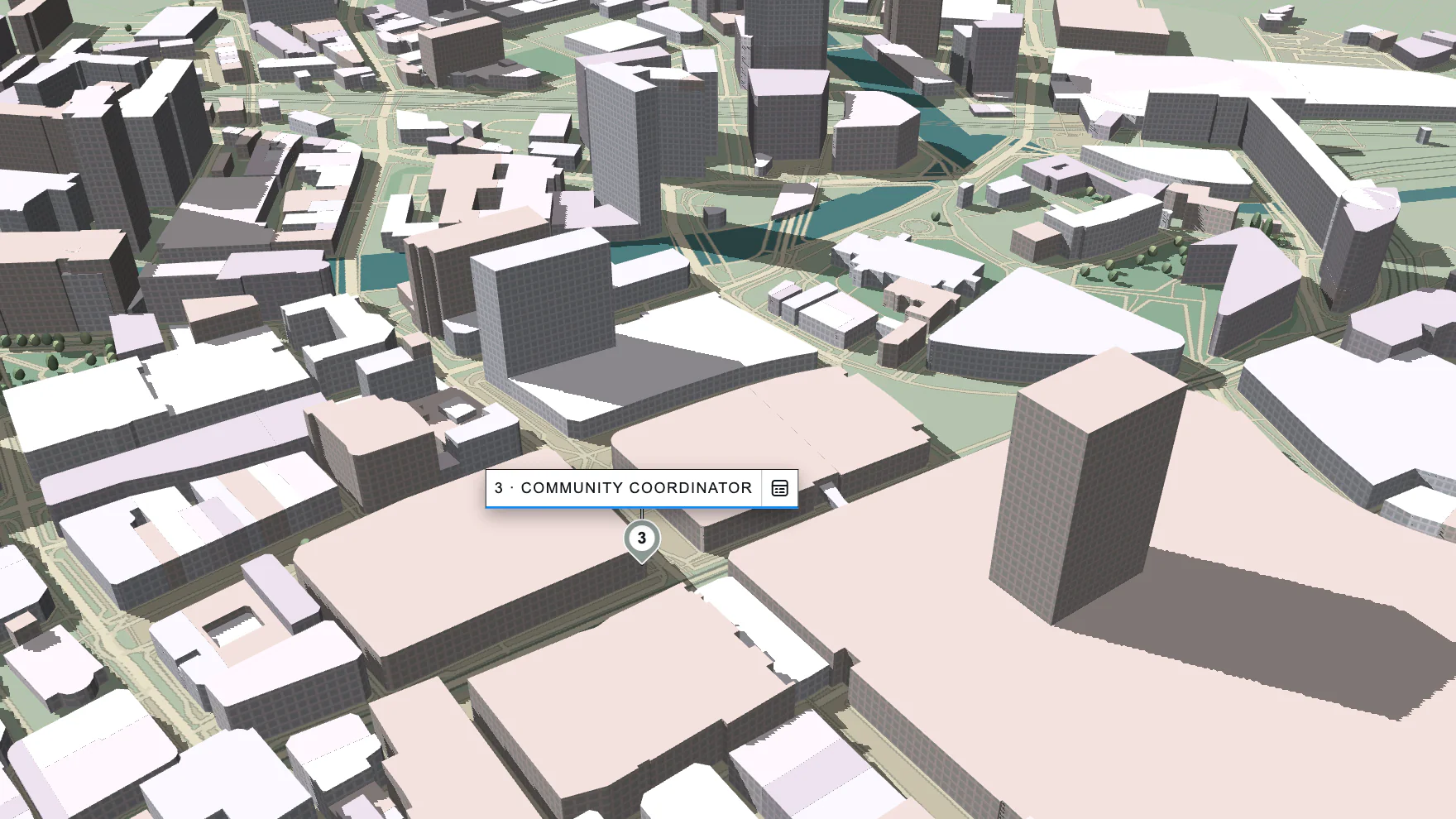
Which roles work with the journey I can make?
- Find roles around a commute
- Compare on-site, hybrid and remote work
- Follow the employer’s application link
For your team
You choose what goes on the map.
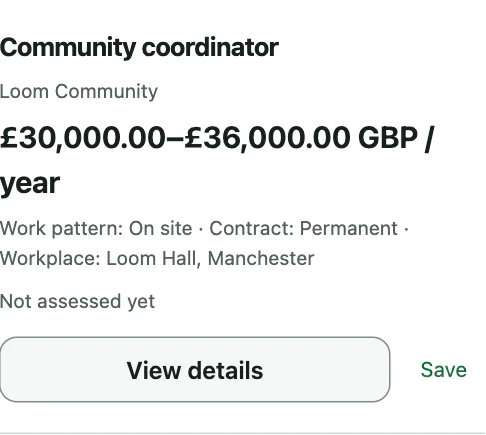
Publish vacancies with the salary, workplace and working pattern you supply. Send candidates to your own application process.
- Vacancies from your ATS export or backend
- Salary and working-pattern filters
- A branded hosted or embedded job finder
- Your own application destinations
Vacancy fields and application links




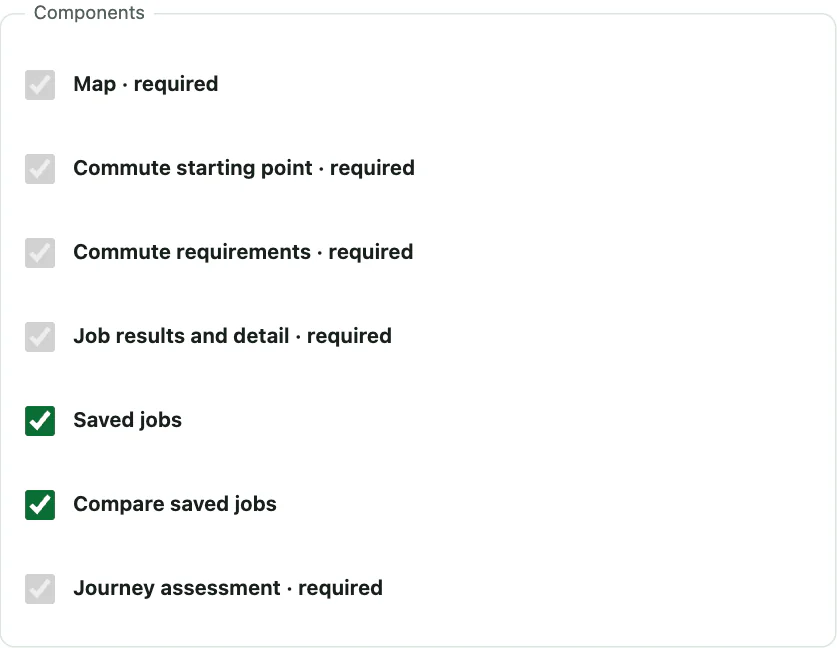
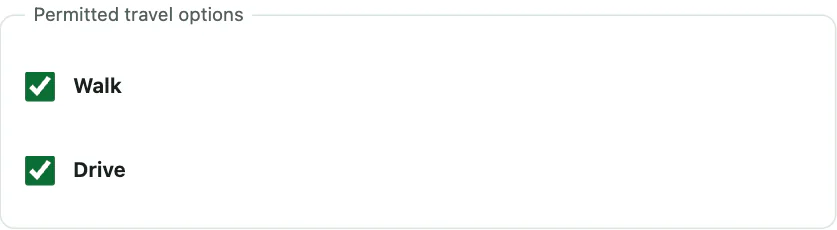
Candidate tools and commute options

Getting started
From your records to a live finder.
Connect vacancies held in an ATS, CMS or backend. Update salary, working pattern, closing date and availability in that system.
Follow the step-by-step setup guide
See the account form
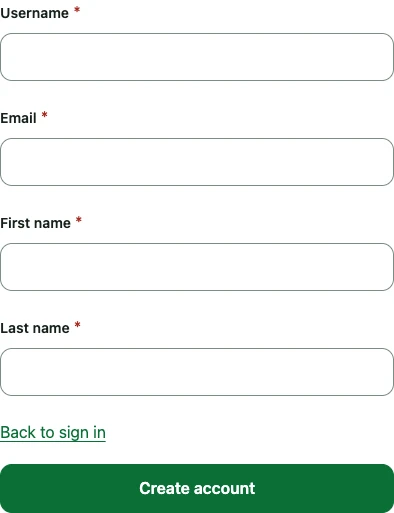
- Create your account and verify your email.
- Connect or supply your records.
- Choose the controls and preview your draft.
- Review the subscription and authorise payment.
- Publish your finder and share the link or embed.
Build your job finder.
Vacancy fields and application links · Publishing a job finder
Frequently asked questions
How do I add a commute-time job search to my careers site?
Publish the Recruitment finder and embed it on your verified careers site. Candidates choose a destination and an available travel mode to look for vacancies within their commute.
Can a recruitment agency build a job map from an ATS export?
Yes. Supply authorised vacancies from your ATS export or backend, including the workplace, role details and application link. Refresh or withdraw the record when the vacancy changes.
Can candidates filter a job map by salary and working pattern?
Yes. Candidates can narrow the vacancies you supply by salary and working pattern, then inspect the workplace and commute before following your application link.
Do you offer the same location demand reports for jobs as for property?
Agency Insights currently covers qualifying property searches. The Recruitment bundle gives candidates a commute-aware job finder and sends applications to your own system.
How are hybrid and remote jobs shown?
Hybrid roles use the attendance workplace you supply. Remote roles can appear in search without a workplace pin or a claimed commute.
Where do candidates apply?
Candidates follow your authorised application link. Your employer or ATS handles the application.