
Sandbox
Your places, on your map.
Build a finder for the venues, workspaces or other places your visitors come to you for.
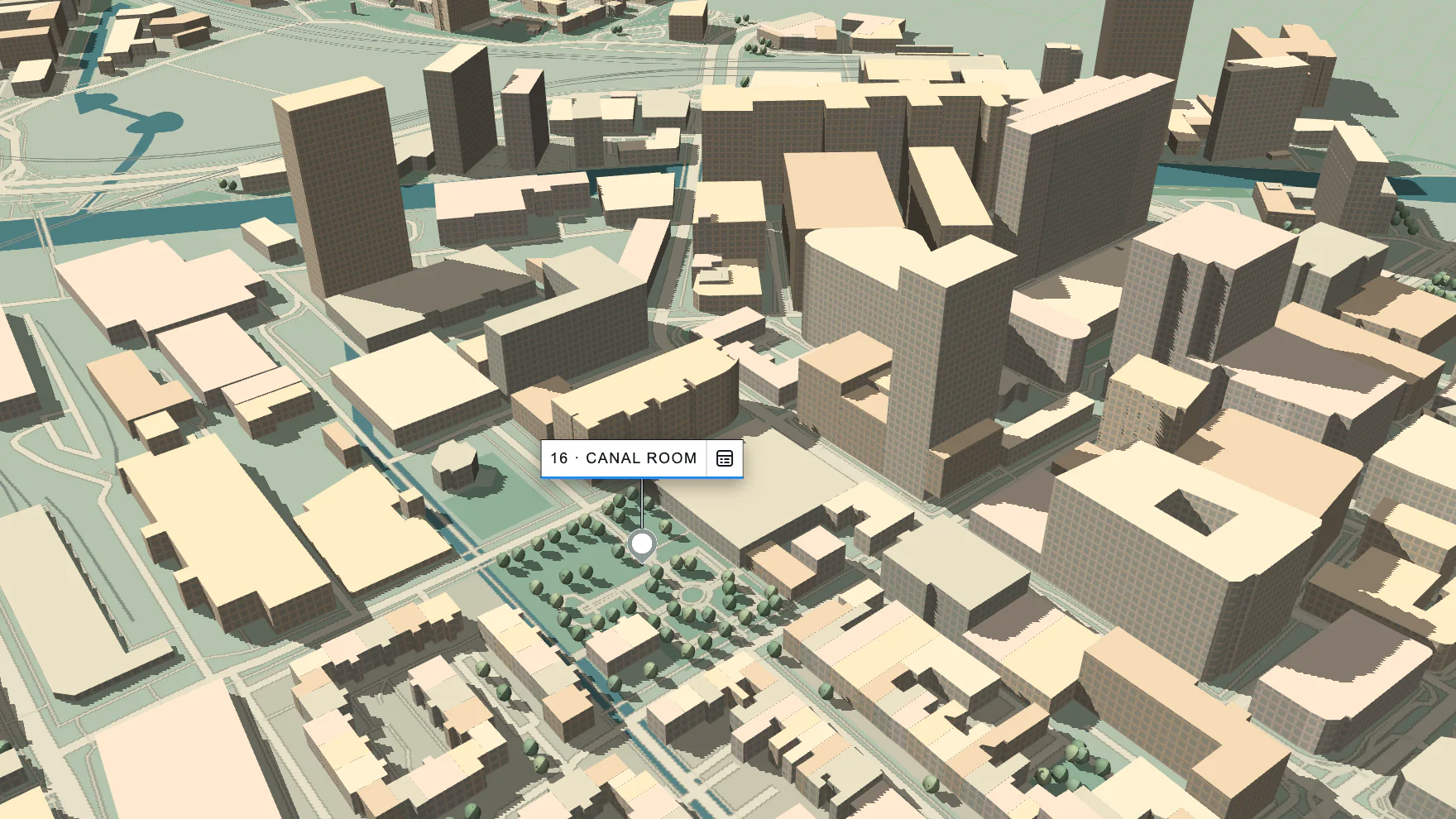
For your visitors
Which of these places works for my day?
- Explore a directory of venues
- Find a workspace near a destination
- Open the details on your own website
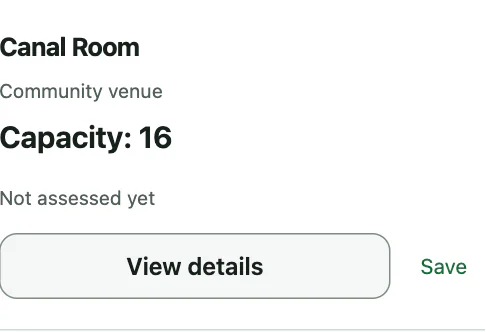
For your team
You choose what goes on the map.
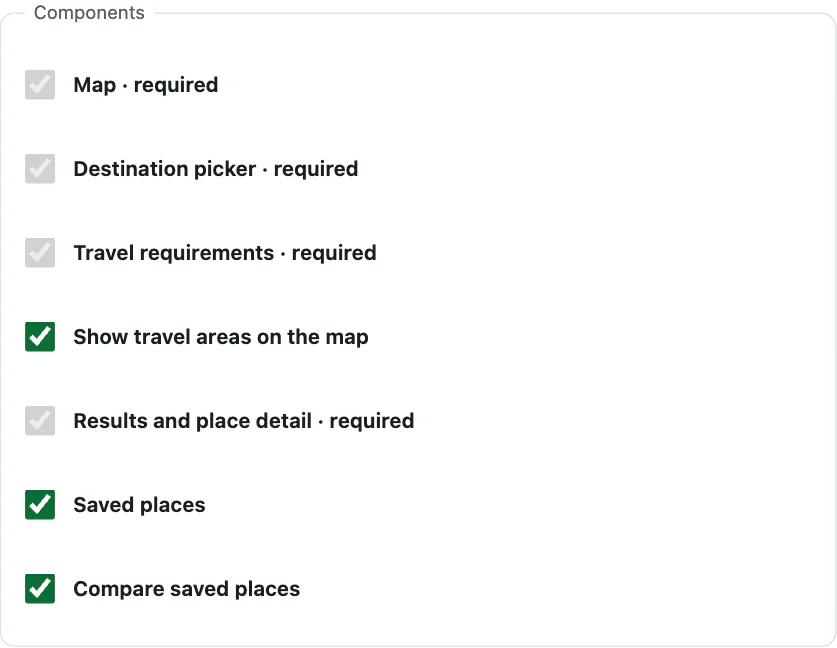
Choose your records, colours and controls. Preview the experience, then share a hosted link or embed it on your site.
- Records supplied by you
- Configurable map and journey controls
- A preview of your draft
- Hosted links and website embeds
Brand colours and preview
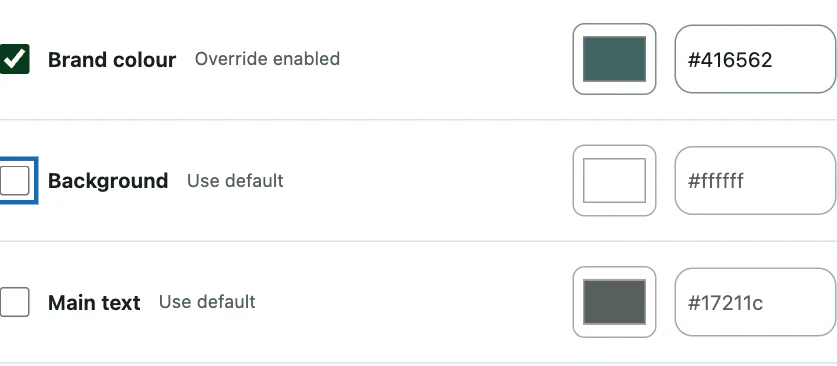
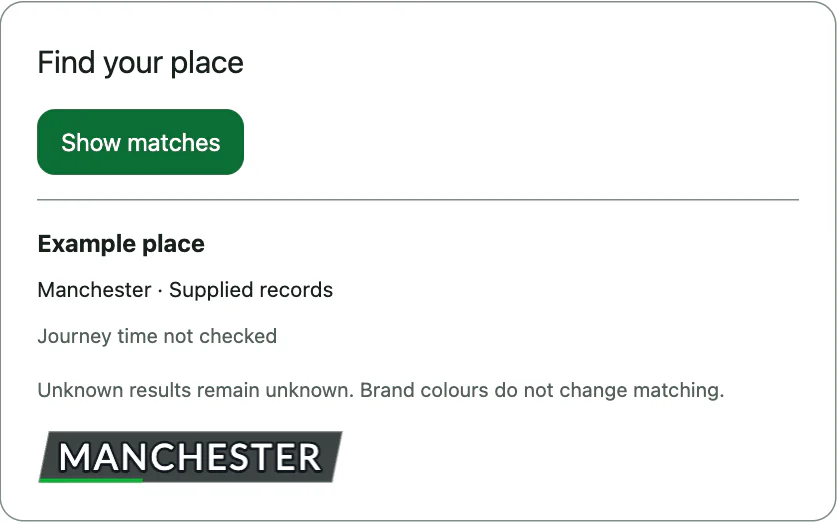
Record source and visitor tools

Getting started
From your records to a live finder.
Start with supplied places, connect your backend or choose to keep a copy in Overa. Reopen your draft to edit, withdraw or refresh records and publish your changes.
Follow the step-by-step setup guide
See the account form
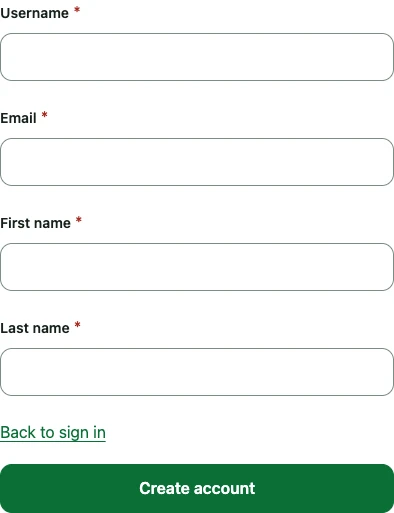
- Create your account and verify your email.
- Connect or supply your records.
- Choose the controls and preview your draft.
- Review the subscription and authorise payment.
- Publish your finder and share the link or embed.
Build your own map.
Frequently asked questions
How do I build a searchable map of my venues or workspaces?
Add your places in Sandbox, give each one a name and location, then choose the visitor controls. Preview the finder and publish a hosted link or embed it on your site.
Can visitors open venue details on my own website?
Yes. Supply an authorised detail link for each place and verify the website origin. Visitors can go from a result on the map to that place on your site.
Can I create a location finder without a backend developer?
Yes. Serve an authenticated CSV from your own website, or connect a compatible backend. Update and withdraw records in the system that holds them.
Can I choose how many destinations people search around?
Yes. In your workspace, choose the maximum number of destinations and the travel modes available to visitors, within the capabilities of your subscription.
What kinds of places can I add?
Supply venues, workspaces and other places with their own names, locations and permitted links. Your backend can remain the source of your records.
When do I review the cost?
Set up your draft, records and controls first. Review the offer and authorise payment before using paid services.